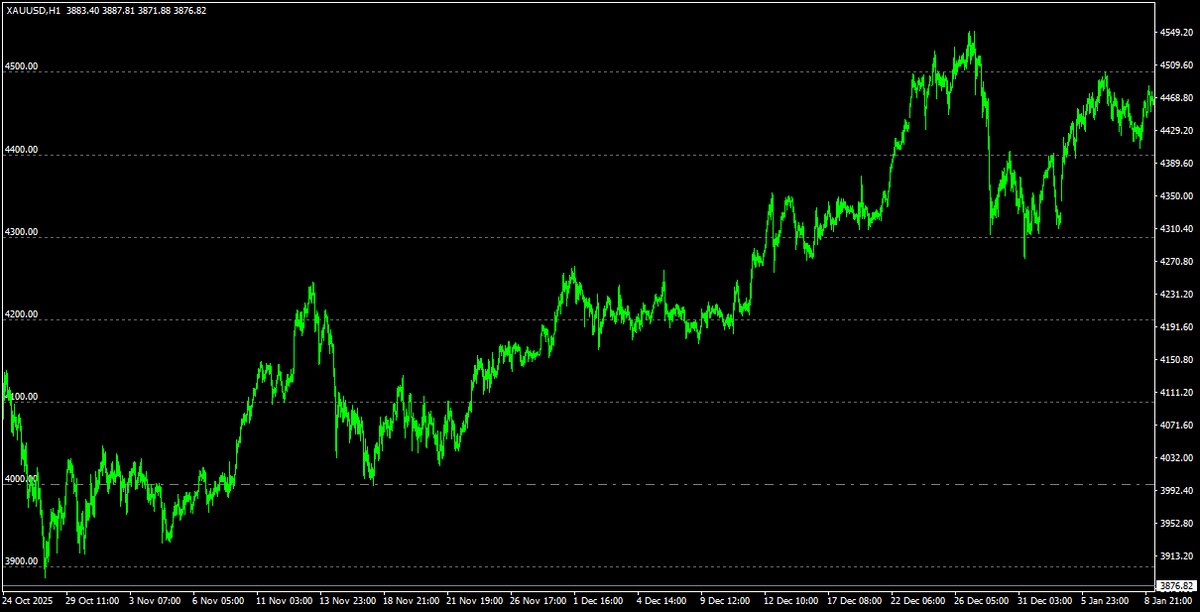
Short answer: Auto Round Levels marks round prices on your chart by itself - levels like 1.1000 on EURUSD, 2700 on gold or 100,000 on bitcoin - and adapts the grid to the scale of the chart. It is free, works on any symbol and timeframe in MT4 and MT5, gives no entry signals and does not repaint.
Why round prices matter
People think in round numbers. Traders place pending orders at 1.1000 rather than 1.0997, take profits at 2700 and put stops just beyond a round mark. Many trading algorithms work the same way. As a result orders pile up near round prices, and the market often slows down, reverses or, on the contrary, speeds up sharply after a breakout. This does not guarantee a reaction at every level, but it explains why experienced traders always keep these marks in sight.
The problem is that drawing them by hand is slow: every time you change the symbol, the timeframe or the scale, the lines have to be moved again. Auto Round Levels takes this routine off your hands.
What you get
- Clean markup, no manual work. The indicator builds levels across the whole height of the window and rebuilds them when you scroll, zoom or resize the chart.
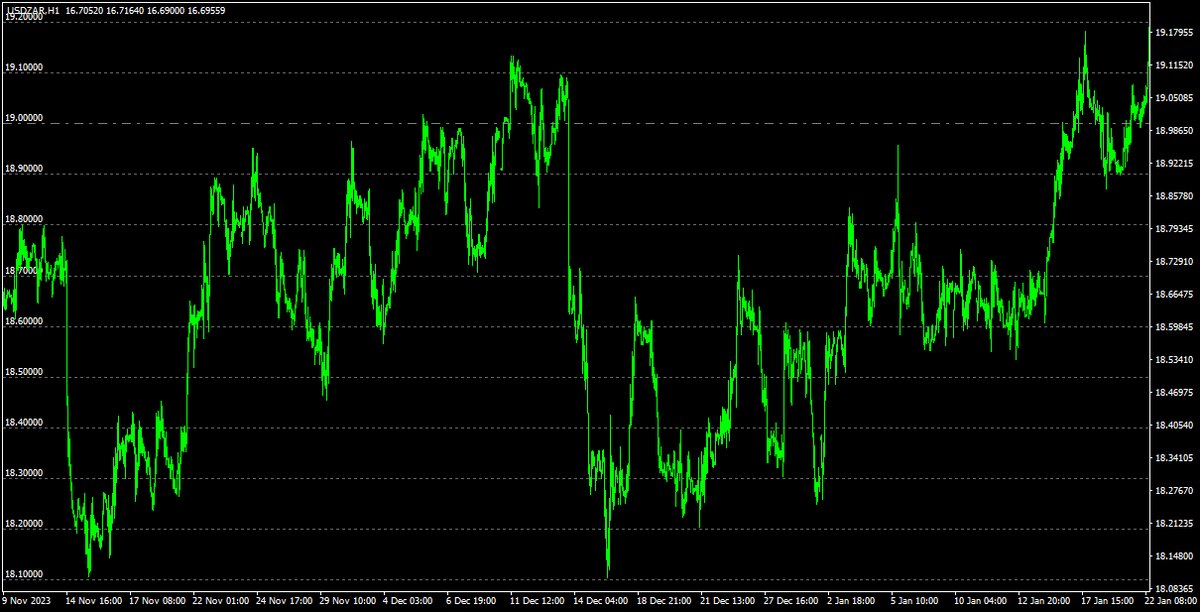
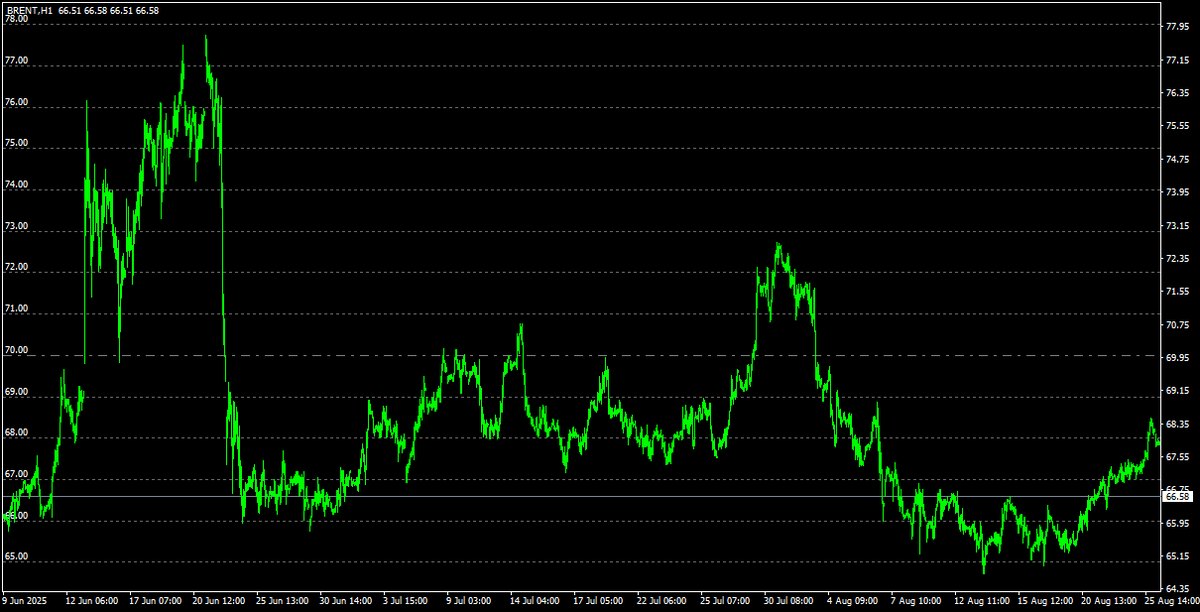
- A grid that follows the scale. On a zoomed-in M5 chart you see levels every 10-100 points, on a zoomed-out daily chart every 1000 points and more. The lines never merge into a solid fill and do not disappear when you need them.
- A hierarchy of levels. Three tiers are drawn in different styles: dotted, dash-dot and solid colored. You can see at a glance that 1.1000 matters more than 1.0950.
- A price label on every line. No need to hover the cursor or count along the scale: the value is written right on the chart.
- One indicator for all markets. Forex, metals, indices, stocks, cryptocurrencies: the step is calculated from the symbol's point size, so the markup is correct everywhere.
- A calm chart. The lines stay in the background, cannot be selected with the mouse and do not clutter the object list, so your own drawings stay in view.
How to use it in trading
- A reference for targets. The nearest major round level is a natural place for a Take Profit. Many participants close positions slightly before a round price, so it is useful to set the target a little short of the level.
- Protecting the stop loss. Do not place your stop exactly at a round price: stops are especially dense there, and price often briefly runs through the level to collect them. It is safer to keep the stop beyond the level with some margin.
- Confirming your own levels. If your support or resistance zone, the daily high or a Fibonacci level coincides with a round price, such a zone is usually more visible to the market and deserves special attention.
- Reading the price reaction. A pause and a bounce from a round price show that orders are waiting there. A confident candle close beyond the level suggests the market is ready to move further, and the next target is the nearest round mark.
- Any trading style. A scalper on M1-M15 sees small tiers, a swing trader on H4-D1 sees large ones. Nothing has to be switched: the grid changes together with the scale.
The indicator does not give entry signals and does not repaint: a round price stays where it is, no matter how the market moves. You make the decisions, and Auto Round Levels shows where the marks that matter to all participants are.
How it works
The indicator starts with a step of 10 points and checks how far apart such lines are on the screen. If the lines are too close, the step is multiplied by 10: 100, 1000 points and so on. The first suitable step becomes tier 1, a step 10 times larger becomes tier 2, and 10 times larger again becomes tier 3. The recalculation happens only when the visible price range or the height of the window changes, so the indicator does not load the terminal even with dozens of open charts.
The only setting
Lines MinDistance At Pixels (24 by default) is the minimum distance between neighboring lines on the screen, in pixels. Decrease it for a more detailed grid, or increase it, for example to 30-40 on a high-resolution monitor, to show fewer lines. Nothing else needs to be set up: drag the indicator onto the chart and the markup is ready.
Where to get it
Auto Round Levels is free on MQL5 Market: MT4 and MT5. Questions and ideas for development are welcome in the comments under the product, and the other tools are collected on the Products page.